
7 Keys to a Successful AV & Digital Display Installation
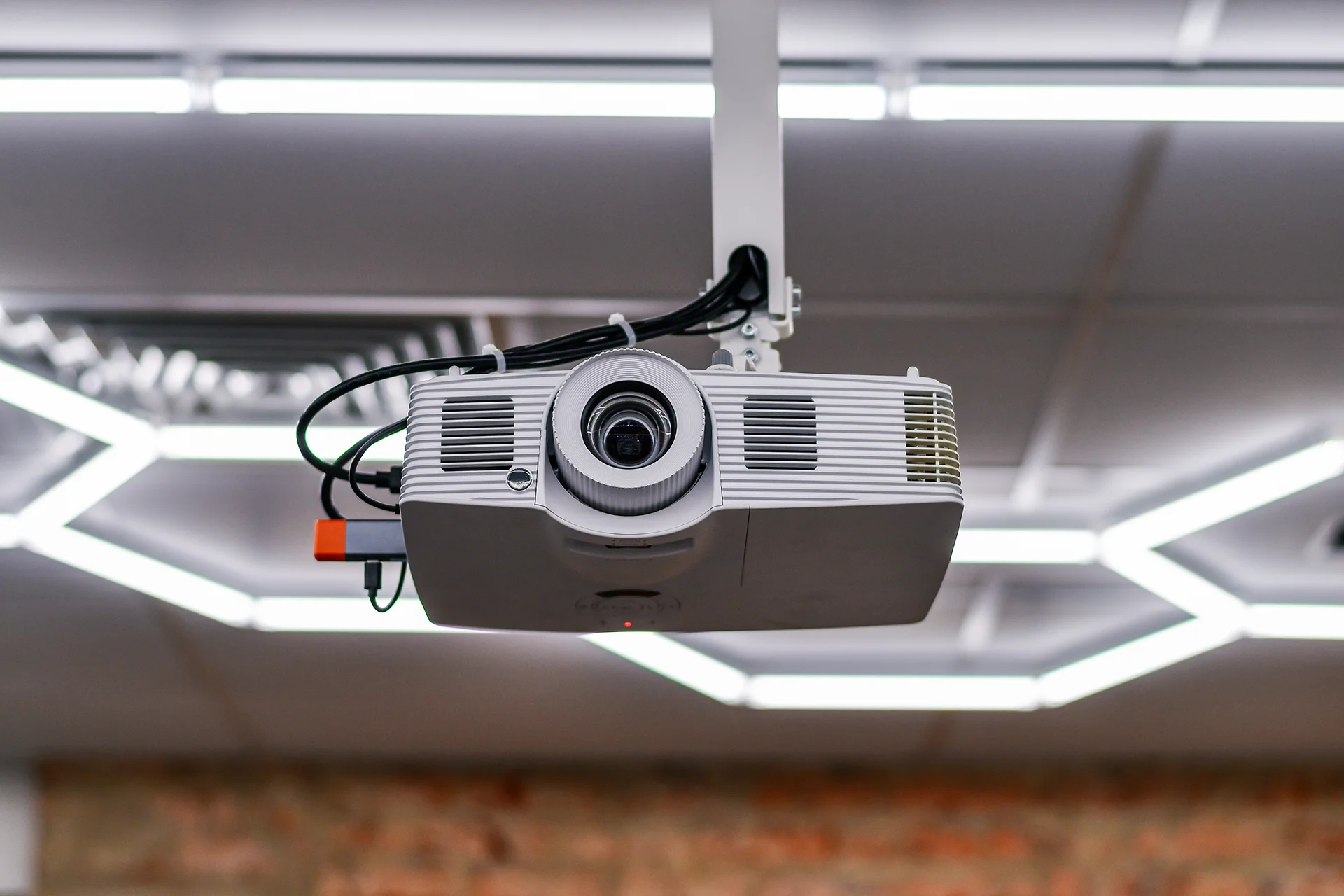
Installing audiovisual systems and digital displays may seem straightforward on the surface, but successful deployments require much more than mounting screens and connecting cables. Whether supporting a corporate conference room, digital signage network, educational facility or public venue, the effectiveness of an AV installation depends on careful planning, seamless integration and a thorough understanding of how users will interact with the technology.
Organizations often focus on equipment selection, but long-term success comes from designing systems that fit the environment, support business objectives and deliver a reliable user experience. From defining requirements to validating performance under real-world conditions, every stage of the project contributes to overall system effectiveness.
Following proven installation best practices can help organizations maximize system performance today while ensuring the flexibility to adapt as technology and operational needs evolve.
Key Takeaways
- Successful AV deployments begin with clearly defined goals and user requirements.
- System integration planning ensures displays, audio and control technologies work together seamlessly.
- Environmental factors such as lighting, acoustics and traffic flow directly impact performance.
- Proper equipment placement improves visibility, sound quality and user experience.
- Real-world testing helps identify issues before the system goes live.
- User-friendly systems increase adoption and reduce support requirements.
- Scalable designs support future growth and technology upgrades.
1. Define the Purpose Before Selecting Technology
The most successful AV installations start with a clear understanding of how the system will be used. Different environments have different requirements, and the intended application should drive every design decision.
Consider questions such as:
- Who will use the system?
- What content will be displayed?
- Will users interact with the technology?
- What business or operational goals must the system support?
- What level of performance is required?
For example, a digital signage deployment in a retail environment prioritizes visibility, content management and audience engagement. A conference room system may focus on collaboration, audio clarity and video conferencing functionality.
Defining these objectives early helps ensure the technology supports the intended outcome rather than forcing users to adapt to system limitations.
2. Plan for Complete System Integration
Modern AV environments rely on multiple technologies working together as a unified solution. Displays, speakers, microphones, control systems, media players and network infrastructure all play important roles in overall performance.
Without proper integration planning, organizations may encounter compatibility issues, operational inefficiencies or inconsistent user experiences.
Key integration considerations include:
- Signal distribution and routing
- Audio and video synchronization
- Control system functionality
- Network connectivity
- Device interoperability
- Future expansion requirements
A comprehensive integration strategy ensures every component contributes to the overall system objectives while minimizing potential points of failure.
For organizations managing projects across multiple locations, partnering with experienced installation professionals can help maintain consistency and quality throughout deployment. As discussed in INC’s guide to national audiovisual installation services, standardized installation practices are critical for ensuring reliable performance across geographically distributed environments.
3. Design Around the Physical Environment
Even the most advanced AV equipment can struggle to perform if environmental conditions are ignored.
Successful installations account for the unique characteristics of each space and optimize system design accordingly.
Lighting Conditions
Ambient light directly affects display visibility and image quality. Windows, overhead lighting and changing daylight conditions can create glare or reduce screen readability.
Selecting the appropriate display technology and positioning screens strategically helps maintain visibility in varying lighting environments.
Acoustics
Room dimensions, ceiling height, wall materials and background noise all influence audio performance.
Poor acoustics can create echo, uneven coverage or speech intelligibility issues that negatively impact the user experience.
Traffic Flow and Viewing Angles
Understanding how people move through a space helps determine optimal display placement and content visibility.
Displays should be positioned where users naturally focus their attention, while maintaining comfortable viewing angles and accessibility.
Designing around environmental realities improves system effectiveness and helps avoid costly adjustments after installation.
4. Optimize Equipment Placement
Equipment placement is one of the most important factors affecting AV system performance.
A display installed at the wrong height or angle can diminish visibility. Similarly, improperly positioned speakers and microphones can create coverage gaps or audio quality issues.
Best practices include:
- Positioning displays for maximum visibility
- Minimizing glare and visual obstructions
- Providing consistent audio coverage
- Supporting accessibility requirements
- Allowing sufficient access for maintenance and service
Thoughtful placement decisions enhance both functionality and the overall user experience.
5. Configure and Test Under Real-World Conditions
Installation completion does not guarantee operational success. Proper configuration and testing are essential to ensure systems perform as intended.
Testing should verify:
- Audio quality and coverage
- Display performance and calibration
- Control system functionality
- Network connectivity
- Content playback and distribution
- User workflows and operational procedures
Whenever possible, testing should occur under actual operating conditions.
For example, a conference room system should be tested during a simulated meeting. A digital signage network should be evaluated using live content and realistic viewing conditions.
Real-world validation helps identify issues before users encounter them and significantly reduces post-installation support challenges.
6. Prioritize Ease of Use
Technology only delivers value when people use it effectively.
Complicated interfaces and confusing workflows often lead to user frustration, increased support requests and underutilized systems.
Organizations should prioritize:
- Intuitive control interfaces
- Simplified user workflows
- Clear documentation
- User training resources
- Ongoing technical support
The goal is to create systems that users can operate confidently without requiring extensive technical knowledge.
A user-focused design approach improves adoption rates and helps organizations maximize their technology investment over the long term.
7. Build for Reliability and Scalability
A successful installation should continue delivering value long after project completion.
As organizations grow and technology evolves, AV systems must be capable of adapting to changing requirements without requiring complete replacement.
Scalable systems support:
- Additional displays and endpoints
- Expanded content strategies
- New collaboration technologies
- Increased user demands
- Future infrastructure upgrades
Reliability is equally important. Selecting quality components, following installation best practices and planning for ongoing support helps ensure consistent performance throughout the system lifecycle.
Organizations that prioritize scalability and reliability during the design phase are better positioned to protect their investment and reduce future costs.
Success Starts with Strategic Planning
Successful AV and digital display installations depend on more than technology alone. They require thoughtful planning, careful integration, environmental awareness and a commitment to delivering an exceptional user experience.
By defining clear objectives, designing around real-world conditions and validating performance before deployment, organizations can create AV environments that are reliable, easy to use and ready to scale as needs evolve.
Whether deploying a single conference room, a digital signage network or a nationwide audiovisual initiative, these seven principles provide a strong foundation for long-term success.
Learn more about our “Everything from A to V” capabilities: INC’s National Audiovisual Installation Services.
Request a Quote
Planning an AV or digital display deployment? INC Installs delivers nationwide audiovisual installation services with the expertise, consistency and project management needed to ensure successful outcomes. Request a Quote to discuss your project requirements and installation goals.
Frequently Asked Questions (FAQs)
What is the most important factor in a successful AV installation?
Proper planning is the foundation of a successful installation. Clearly defining goals, user requirements and environmental considerations helps ensure the system meets both technical and operational objectives.
Why do lighting and acoustics matter in AV system design?
Lighting affects display visibility, while acoustics influence sound quality and speech intelligibility. Both factors play a critical role in the overall user experience and system performance.
How should AV systems be tested before deployment?
Testing should include audio performance, display quality, control system functionality, network connectivity and user workflows under real-world operating conditions.
What makes an AV system scalable?
Scalable systems are designed to accommodate future expansion, new technologies and changing business requirements without requiring major infrastructure changes.
Why is equipment placement important in AV installations?
Proper placement improves visibility, audio coverage, accessibility and overall system effectiveness while minimizing operational issues.
What AV installation services does INC Installs provide? INC Installs provides nationwide audiovisual installation services, including digital signage deployment, display installation, project management and comprehensive AV system integration for single-site and multi-site environments.